Meet the themes
SquishMark ships with three themes, and switching between them is about as low-effort as it gets. You change one line in your config.yml:
theme:
  name: terminal
Push that, and the site changes clothes. There’s no build to wait on. Here’s what you’re choosing between; click a thumbnail for a closer look.
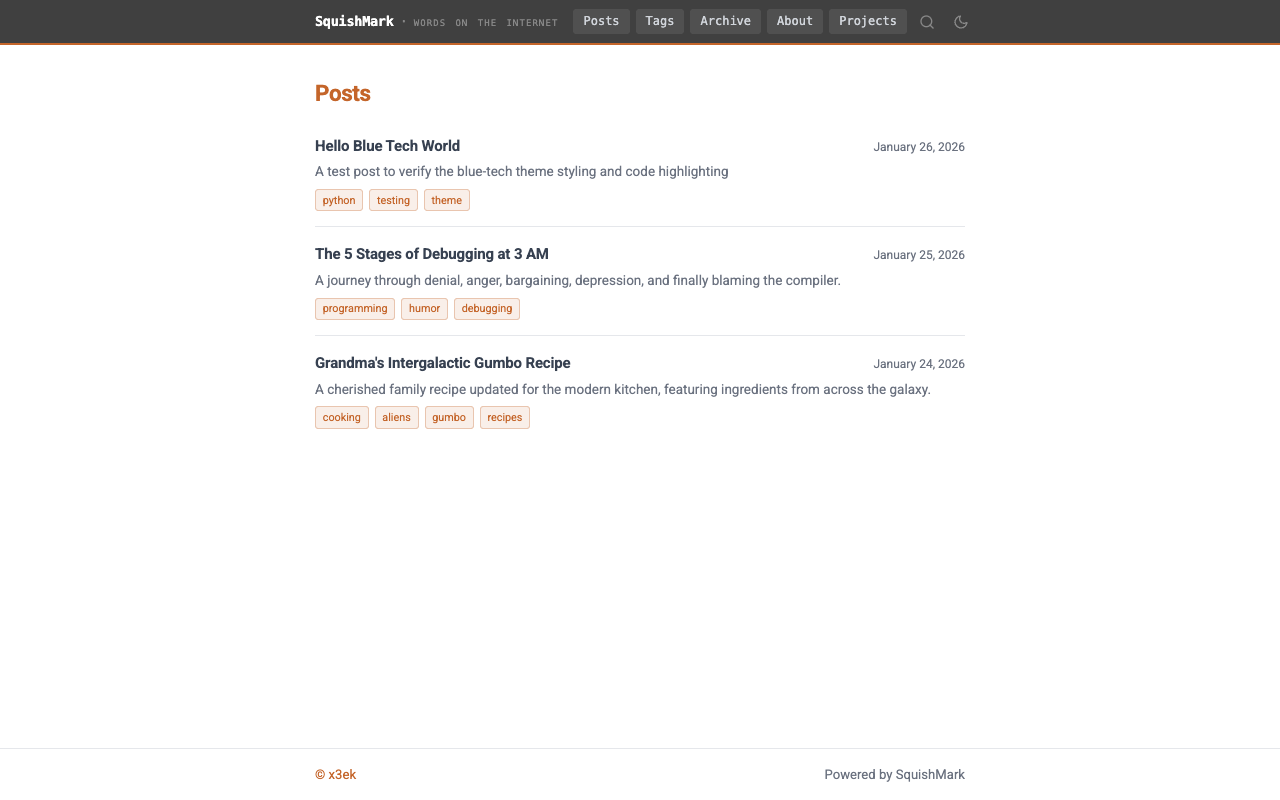
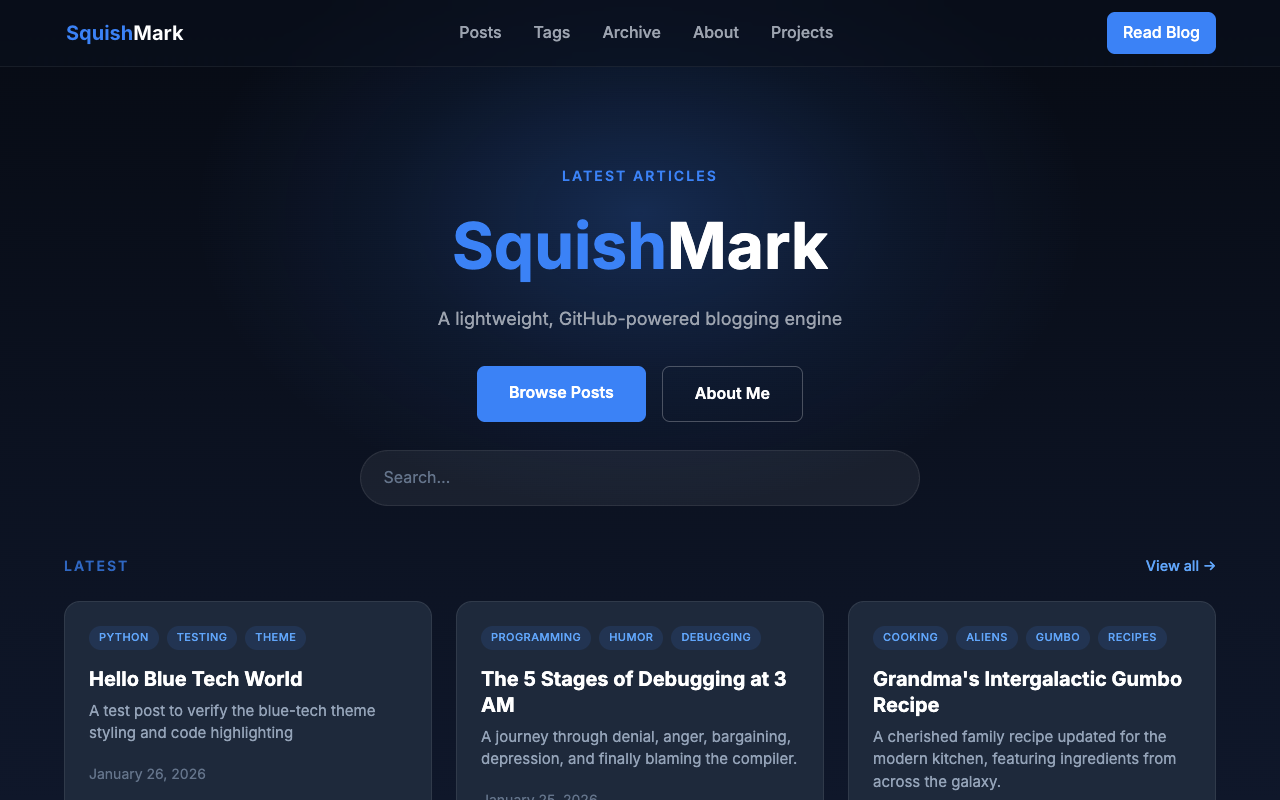
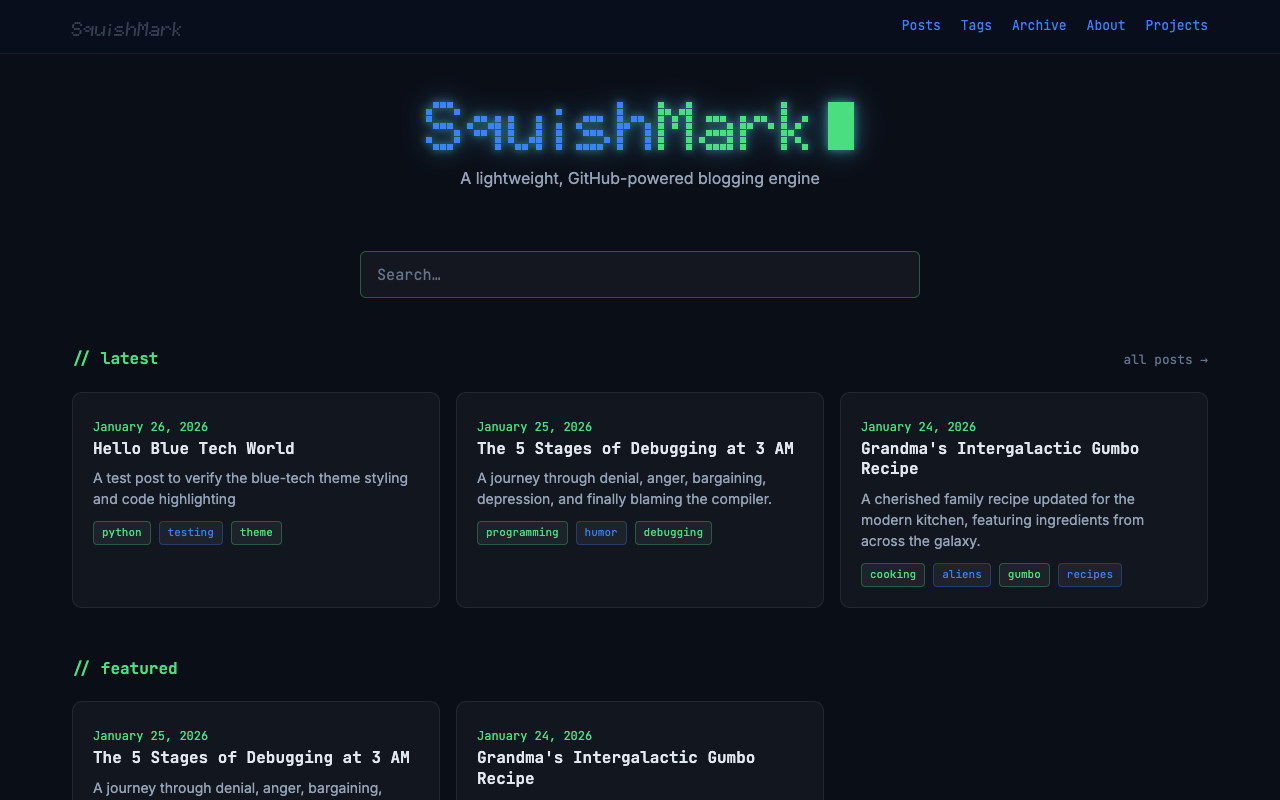
Default
This is the one I reach for when I don’t want to think about it. It reads like a classic blog: generous margins, readable type, and a light/dark toggle that respects whatever the reader picked. Nothing gets in the way of the words. If you’re spinning up a site and you just want to publish, start here. You can always change your mind later, and honestly you might not need to. This very site runs a lightly reskinned version of it.
Blue-tech
Blue-tech leans into a dark, bluish look that suits engineering notes, project logs, and anything that wants to feel a bit more like a product than a diary. It puts a search box right in the navbar, so readers can find an old post without scrolling forever, and it comes with its own landing page separate from the posts list. If you write a lot and want people to actually dig through the archive, this one earns its keep.
Terminal
Terminal is the fun one. Monospace everything, a few pixel-art touches, and the general vibe of a console you’d be happy to live in. It also has a dedicated landing page. It suits tinkerers and anyone whose blog is basically an extension of their dotfiles. It’s opinionated, and that’s the point.
Making one your own
None of these are locked in. Each theme exposes its colors and spacing as CSS variables, so you can recolor the whole thing without touching a template. And if you want to go further, you can override any single template from your own content repo, so you keep the parts you like and replace the ones you don’t. The theming guide walks through both approaches. Pick whichever theme is closest to what you want, then bend it from there.